
Language intelligence
See problems while they matter.
Live errors, warnings, highlights, completions, and project-wide diagnostics keep feedback close to your code.
A modern desktop IDE that keeps projects, code, builds, terminals, and Git in one calm workspace. Completely free.
The number updates from real Windows and Linux downloads—not page views or a made-up counter.
Your tools should create momentum.
Live errors, warnings, highlights, completions, and project-wide diagnostics keep feedback close to your code.
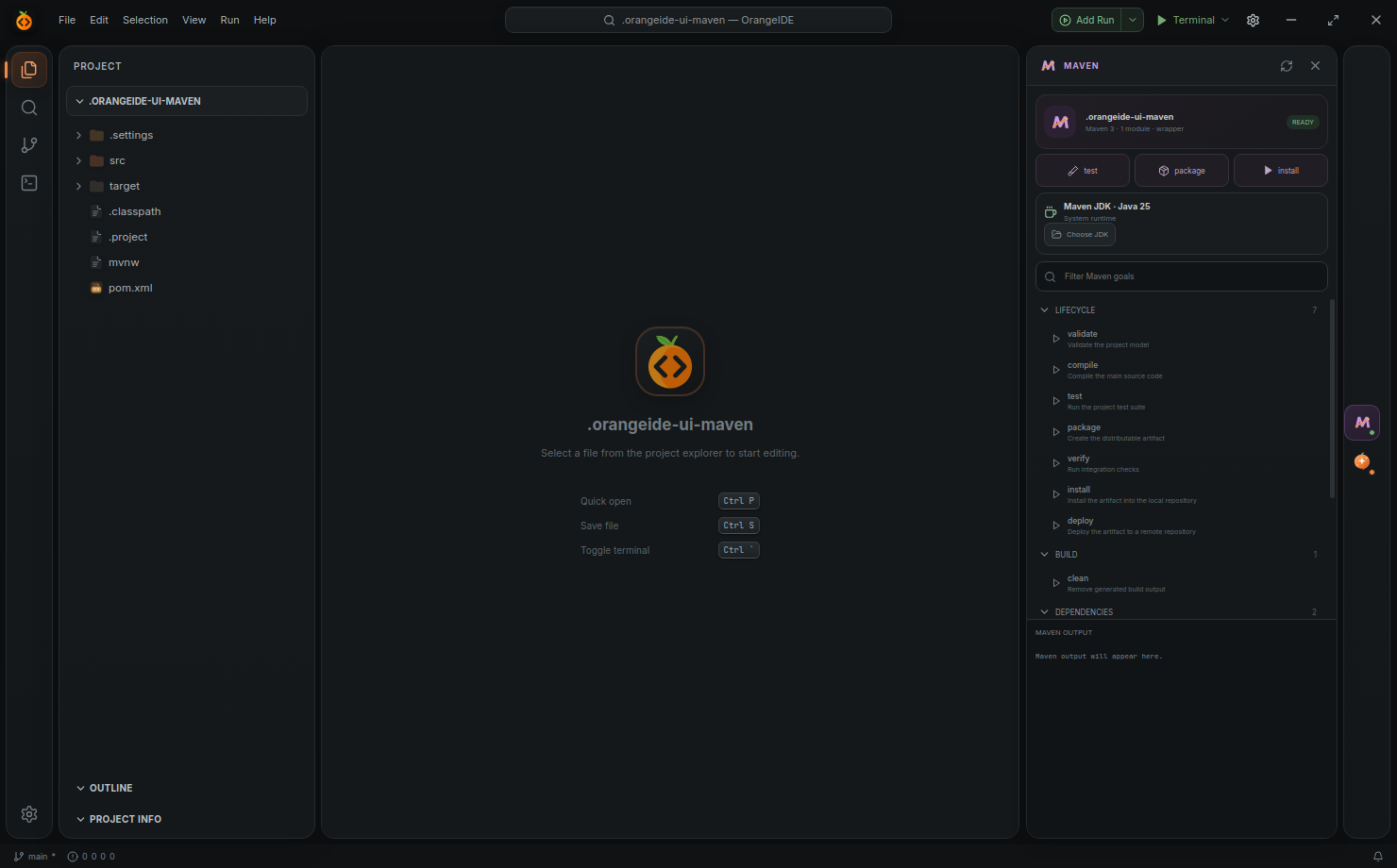
Automatic project analysis, dependency sync, JDK selection, searchable goals, task output, and stop controls.
Stage by group, amend commits, pull and push, switch branches, and inspect authorship beside the code.
Keep multiple persistent terminals, resize the workbench, and run builds in separate output sessions.
OrangeIDE detects Maven projects, syncs dependencies, finds goals, and lets each project choose the JDK it actually needs.
OrangeIDE handles the repetitive setup while keeping every important decision visible and under your control.
Recent projects remember where you left off. The project tree, open files, and workspace layout come back with you.
Java, Gradle, and Maven projects are analyzed on open so dependencies, problems, and tasks are ready sooner.
Use a built-in task or create an App Command with its own working directory, JDK, release mode, and debug mode.
Download OrangeIDE for Windows or Linux. No subscription, no trial, no license key.